
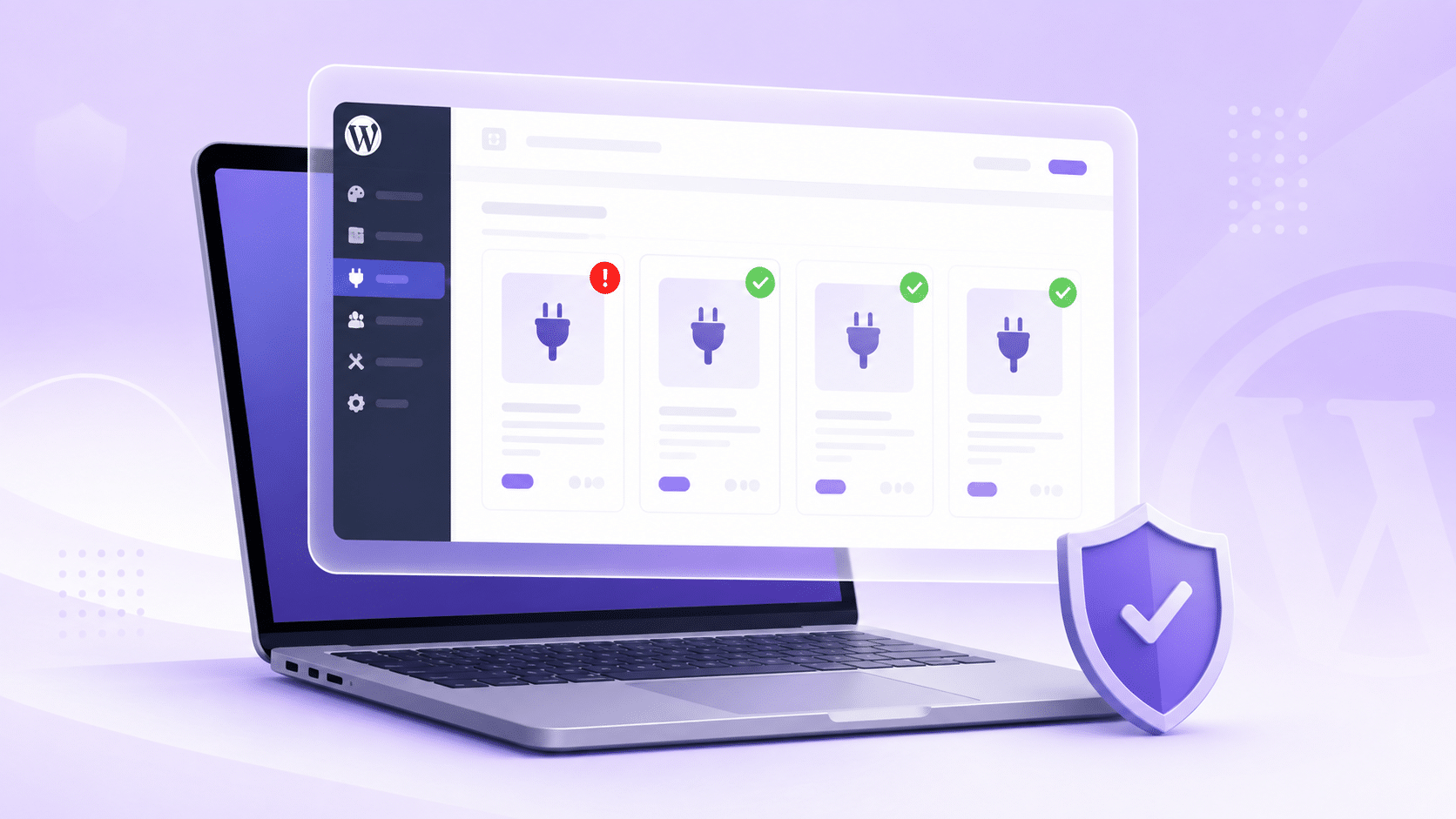
Five critical flaws were patched in the WordPress ecosystem at the end of August 2026, and four of them scored 9.8 on the CVSS scale. One scored a perfect 10.0. If you run a WooCommerce store, this WordPress plugin vulnerability August 2026 roundup exists to answer one question fast: are you affected, and what do you do about it?
One honest note before the table. None of these five are WooCommerce plugins. But Avada, TranslatePress and Pods run on a very large number of WooCommerce stores, so the right angle here is “check your stack”, not “WooCommerce is under attack”. Nobody needs another panic post.
WordPress Plugin Vulnerability August 2026: The Full Table
Open your Plugins page in another tab and compare version numbers against this. You should have your answer in under two minutes.
| Plugin / theme | Affected | Fixed in | CVSS | What an attacker gets |
|---|---|---|---|---|
| GiveWP | Up to 4.16.7.1 | 4.16.7.2 | 10.0 | Code execution on your server, no login needed |
| WPMU DEV Dashboard | Up to 5.0.1 | 5.0.2 | 9.8 | Admin access (only if Hub SSO is on) |
| Avada theme | Up to 7.16 | 7.16.1 | 9.8 | Write a PHP file, then run it |
| TranslatePress | Up to 3.3.1 | 3.3.2 | 9.8 | Your admin password reset link |
| Pods | Up to 3.3.9 | 3.3.9.1 | 9.8 | Admin account, or your password overwritten |
If every plugin in that list is either absent from your site or already at the fixed version, you are done. Close the tab and go back to work.
GiveWP Is the One to Fix First
CVE-2026-82222 scored 10.0, which is as bad as the scale goes. An attacker needs no account and no password. They just need your donation form to be live with a payment gateway active. Patchstack published a full technical breakdown of the GiveWP exploit chain if you want the detail.
Two things go wrong together. The plugin left a registration path open, so an attacker can create an account even on a site where user registration is switched off. Then they push a crafted piece of data through the donation flow, and that data becomes a command your server runs.
If you run GiveWP: update to 4.16.7.2 today, not this weekend. A CVSS 10.0 with no authentication required gets scanned for within days of disclosure.
What “PHP Object Injection” Means If You Just Run a Shop
Your site takes in data from visitors all day. Normally it treats that data as text and nothing more. PHP object injection is what happens when the site trusts that incoming data enough to rebuild it into a live object instead.
In plain words: something that should have stayed a message gets treated as an instruction. That is the whole bug. The fix on your side is not clever configuration, it is the version number.
The Other Four, In Plain Words
WPMU DEV Dashboard (CVE-2026-76581)
The single sign-on check could be tricked into accepting a forged signature, handing an attacker an administrator session. Important detail that most coverage skipped: this only bites sites with Hub SSO enabled. If you use the plugin without SSO, you were never exposed to this one. Update to 5.0.2 anyway.
Avada theme (CVE-2026-18431)
This is the one most likely to touch a WooCommerce store, because Avada has sold over a million licences. An unauthenticated attacker could write a file to your server and then execute it. It needs Fusion Builder active, which on an Avada site it almost always is. Update the theme to 7.16.1 and update Fusion Builder to its matching release at the same time.
TranslatePress (CVE-2026-19632)
TranslatePress intercepts outgoing emails so it can translate them. In doing so it could store an administrator’s password reset URL, reset key and all, inside its translation dictionary. That dictionary is readable through a public endpoint. Anyone could go looking for a reset link and take the account.
This needed two conditions: automatic string saving on, which is the default, and the admin’s profile language set to a published secondary language. Update to 3.3.2.
Pods (CVE-2026-19598)
An unauthenticated visitor could escalate to Administrator or overwrite an existing user’s password. The 3.3 branch is fixed in 3.3.9.1, and the maintainers pushed patches down the older branches too, so check your exact release line rather than assuming.
How to Check Your Store in Two Minutes
Two ways, pick whichever you are comfortable with.
- Go to Plugins > Installed Plugins and read the version number under each name. Do the same for your theme under Appearance > Themes. Compare against the table above.
- If you have WP-CLI, run
wp plugin list --update=availableandwp theme list --update=available. That gives you current and available versions side by side in one screen.
Check staging, development and client sites too. Attackers do not skip a site because it has “dev” in the domain.
What to Do If You Are Already Behind
Update first. Then accept the uncomfortable part: updating removes the hole, it does not remove someone who already climbed through it. Spend ten minutes on this.
- Users. Open Users > All Users and filter by Administrator. Recognise every single one. Delete what you do not.
- Files. Sort
wp-content/uploadsby date modified. A.phpfile in an uploads folder is almost never legitimate. - Scheduled tasks. Run
wp cron event listand look for jobs you do not recognise. Backdoors like to reinstall themselves on a schedule. - Passwords. Force a reset for all admin accounts, and rotate any API keys stored in the site.
- Orders. On a WooCommerce store, skim recent orders and refunds for anything you did not expect. Store compromises often show up as money before they show up as files.
Should You Turn On Auto-Updates?
For security-heavy plugins like these, yes, mostly. A patched site that broke a layout is a much smaller problem than an unpatched site that got taken over.
But the honest counter-point matters. Auto-updates on a live store can break checkout while you are asleep, and a broken checkout costs real money every hour. So do not switch them on blindly.
The workable middle ground: auto-update the plugins that are not in your checkout path, keep manual control over the payment, cart and checkout stack, and make sure a daily backup actually restores before you rely on it. An untested backup is a wish, not a plan.
The Real Fix Is a Routine, Not a Panic
A month with five critical WordPress flaws is not unusual. It happens most months, and it will happen again in September. Reading a post like this one every time an alert lands is not a security strategy.
Pick one day a week. Update on that day, on staging first if you have one, with a backup taken before you start. One calm update morning per week beats five emergency nights per year, and it costs less than either.
We write up WordPress and WooCommerce changes that actually affect store owners, without the scare headlines. Browse our WordPress and WooCommerce guides for store owners.
Sources and advisories
Every version number and CVSS score above is taken from the official CVE records. Check them yourself before you act on anything you read in a blog post, including this one.
- GiveWP — CVE-2026-82222 (NVD record, CVSS 10.0, affects up to 4.16.7.1)
- WPMU DEV Dashboard — CVE-2026-76581 (NVD record, CVSS 9.8, affects up to 5.0.1)
- Avada theme — CVE-2026-18431 (NVD record, CVSS 9.8, affects up to 7.16 with Fusion Builder up to 3.16)
- TranslatePress — CVE-2026-19632 (NVD record, CVSS 9.8, affects up to 3.3.1)
- Pods — CVE-2026-19598 (NVD record, CVSS 9.8, affects up to 3.3.9)
- Patchstack technical write-up: Unauthenticated PHP Object Injection to Remote Code Execution on GiveWP
- The Hacker News roundup: Five Critical WordPress Plugin and Theme Flaws Enable Site Takeover or RCE
Frequently Asked Questions
Is my WooCommerce store affected by these vulnerabilities?
Only if you run one of the five listed plugins or the Avada theme at an affected version. None of the five are WooCommerce plugins, but Avada, TranslatePress and Pods are common on WooCommerce sites, so check your version numbers rather than assuming you are clear.
Which of these five is the most urgent?
GiveWP, CVE-2026-82222. It scored 10.0 and needs no login at all, so a live donation form is enough to be at risk. Update to 4.16.7.2 before anything else on the list.
I updated late. How do I know if someone got in?
Check for administrator accounts you do not recognise, PHP files inside wp-content/uploads, and scheduled cron jobs you did not create. Then force a password reset for every admin and rotate stored API keys. If you find anything, restore from a backup taken before the disclosure date.
Does a security plugin or firewall protect me instead of updating?
A firewall can buy you time with a virtual patch, and that is useful. It is not a substitute. Rules are written after a flaw is public, they can be bypassed, and they do nothing about an attacker who got in before the rule existed. Update anyway.
Why are there so many WordPress vulnerability reports in 2026?
The WordPress security team said in late August 2026 that AI models are now good enough at reading code that vulnerability reports have risen sharply. More flaws are being found, which is genuinely good news long-term. Short-term it means more update days for everyone.